🌍 Terraform: The Ultimate Guide to Infrastructure as Code 🚀
🌍 Terraform: The Ultimate Guide to Infrastructure as Code 🚀
In today’s fast-paced world of cloud computing, managing infrastructure manually is outdated. Engineers and DevOps teams now rely on Infrastructure as Code (IaC) tools to automate, scale, and secure their environments. Among the top players in this space is Terraform by HashiCorp — a tool that has become a game-changer in how we provision and manage resources.
In this blog, we’ll break down:
✅ What Terraform is
✅ Why you should use it
✅ How it works
✅ Its features, configuration options, and best practices
🔎 What is Terraform?
Terraform is an open-source Infrastructure as Code (IaC) tool that lets you define and provision infrastructure using a declarative configuration language called HCL (HashiCorp Configuration Language).
Instead of clicking through a cloud console, you write configuration files that describe what your infrastructure should look like. Terraform then takes care of how to make it happen.
👉 Example:
provider "aws" {
  region = "us-east-1"
}

resource "aws_instance" "web" {
  ami           = "ami-123456"
  instance_type = "t2.micro"
}
With just a few lines, you can launch an AWS EC2 instance! 🚀
💡 Why Terraform?
Here’s why Terraform stands out:
1. Multi-Cloud Support 🌐
- Works with AWS, Azure, GCP, DigitalOcean, Kubernetes, and hundreds of providers.
- Avoids vendor lock-in.
2. Declarative & Predictable ⚡
- Define your end state; Terraform figures out the steps.
terraform planshows what changes will be made before execution.
3. Version Control & Collaboration 🤝
- Store
.tffiles in Git for tracking changes. - Perfect for team-based workflows.
4. Scalability & Automation 📈
- Automate provisioning of hundreds of servers, VPCs, or Kubernetes clusters.
- Infrastructure grows with your application.
5. Cost-Efficiency 💰
- Easily destroy resources when not needed.
- Prevents cloud resource sprawl.
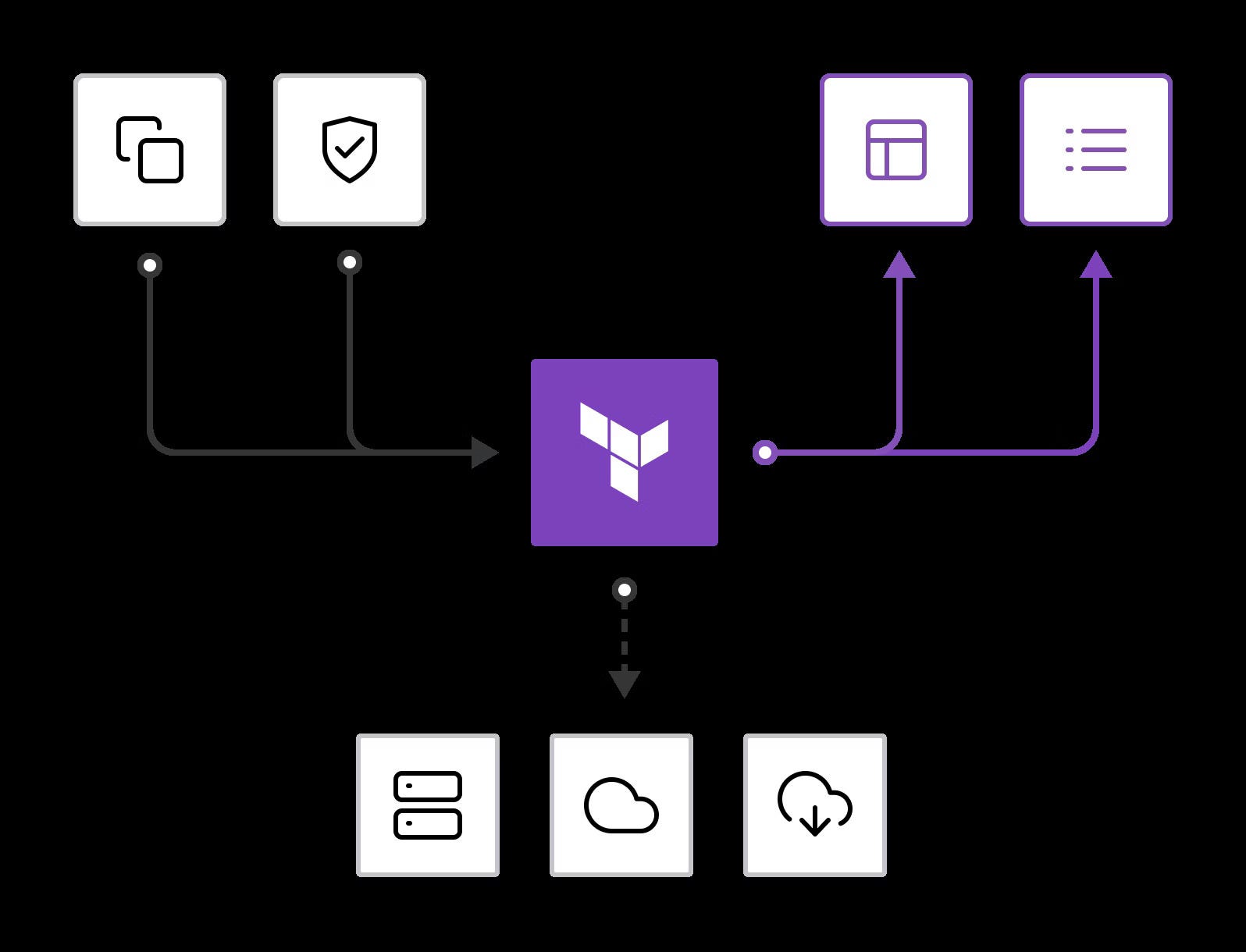
⚙️ How Terraform Works
Terraform follows a 3-step workflow:
- Write: Define infrastructure in
.tfconfiguration files. - Plan: Run
terraform planto preview what changes will be applied. - Apply: Run
terraform applyto create/update/destroy resources.
It uses a state file (terraform.tfstate) to keep track of resources. This ensures Terraform knows what’s already created and what changes are needed.
🛠️ Key Features of Terraform
Here are the most powerful features you should know:
1. Providers 🌍
- Plugins that allow Terraform to work with different platforms.
- Example:
aws,azurerm,google,kubernetes.
2. Resources 🏗️
- Building blocks that represent infrastructure (VMs, networks, databases).
3. Modules 📦
- Reusable sets of configurations for better code organization.
- Example: A
vpcmodule that sets up networking.
4. Variables 🎛️
- Make configurations dynamic with inputs.
variable "instance_type" { default = "t2.micro" }5. Outputs 📤
- Expose key information after deployment (like IP addresses).
6. State Management 📑
- Local or remote state backends (S3, GCS, Terraform Cloud).
- Enables team collaboration and locking.
7. Provisioners 🔧
- Run scripts or configuration management tools (like Ansible) after resource creation.
8. Workspaces 🗂️
- Manage multiple environments (dev, staging, production) with ease.
📝 Options & Configurations in Terraform
Terraform is highly configurable. Let’s explore its core options:
1. Backend Configuration
- Store state remotely for collaboration. Example with AWS S3:
terraform {
  backend "s3"
    {
      bucket = "my-terraform-state"
      key    = "global/s3/terraform.tfstate"
      region = "us-east-1"
    }
}
2. Provider Configuration
- Set authentication and regions.
provider "aws" { region = "us-east-1" profile = "default" }3. Variable Files
- Store variables separately in
terraform.tfvars.
instance_type = "t3.medium"4. Lifecycle Rules
- Control resource behavior.
resource "aws_instance" "web" { lifecycle { prevent_destroy = true } }5. Conditional Expressions & Loops 🔄
- Make infra smarter.
resource "aws_instance" "web" { count = var.instance_count }🌟 Best Practices for Terraform
- Use modules for reusable code.
- Always run
terraform planbeforeapply. - Store remote state in S3 + DynamoDB for locking.
- Use workspaces for managing environments.
- Enable version pinning for providers.
- Follow Git branching strategies for infrastructure updates.
🚀 Conclusion
Terraform is not just a tool — it’s a superpower for DevOps and developers. With it, you can:
- Manage infrastructure across multiple clouds
- Keep everything consistent and version-controlled
- Scale effortlessly while saving time and money
If you’re building cloud-native applications or automating deployments, Terraform is a skill you must master. 🌟


Comments
Post a Comment